Ftols Support Portal
To use the support portal, you must first sign up for an account. To do so, go to the signup page and login with your Ftols Cloud account by clicking on "Login with Ftols Cloud" button.

Raise a Ticket
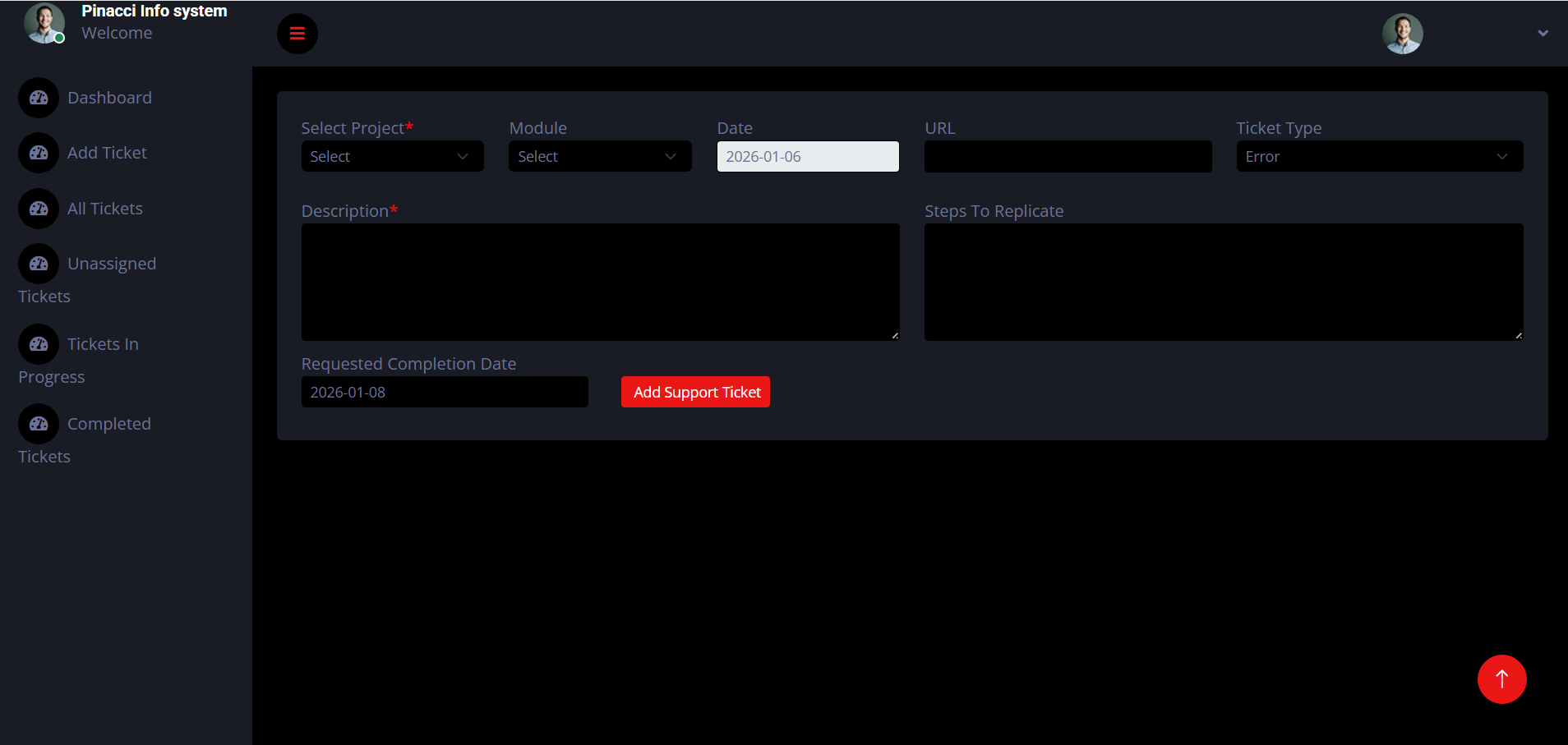
Once you have successfully registered on the support portal, you can raise a ticket.
- Go to the My Tickets page and click on the New Ticket button.
- Select the App that you are facing an issue with. You will be able to raise tickets only for the apps you have purchased support for.
- Select the Site. If you cannot see your site, you need to register your site (see below).
- Enter the issue in detail. We also encourage you to attach screenshots of the issue so that we could understand it better.
- Click on Create.